Open your photo gallery
- For clients
Your photographer sent you a link to your gallery. Open it in your browser on a phone, tablet or computer. You don't need to create an account or install anything.
Open the gallery
- Select the link your photographer sent you, or paste it into your browser.
- If the gallery has a password, you'll see "This gallery is password protected. Enter the password to view it." Enter the Password your photographer gave you and select Open gallery.
- Browse the photos. Select a photo to see it larger.
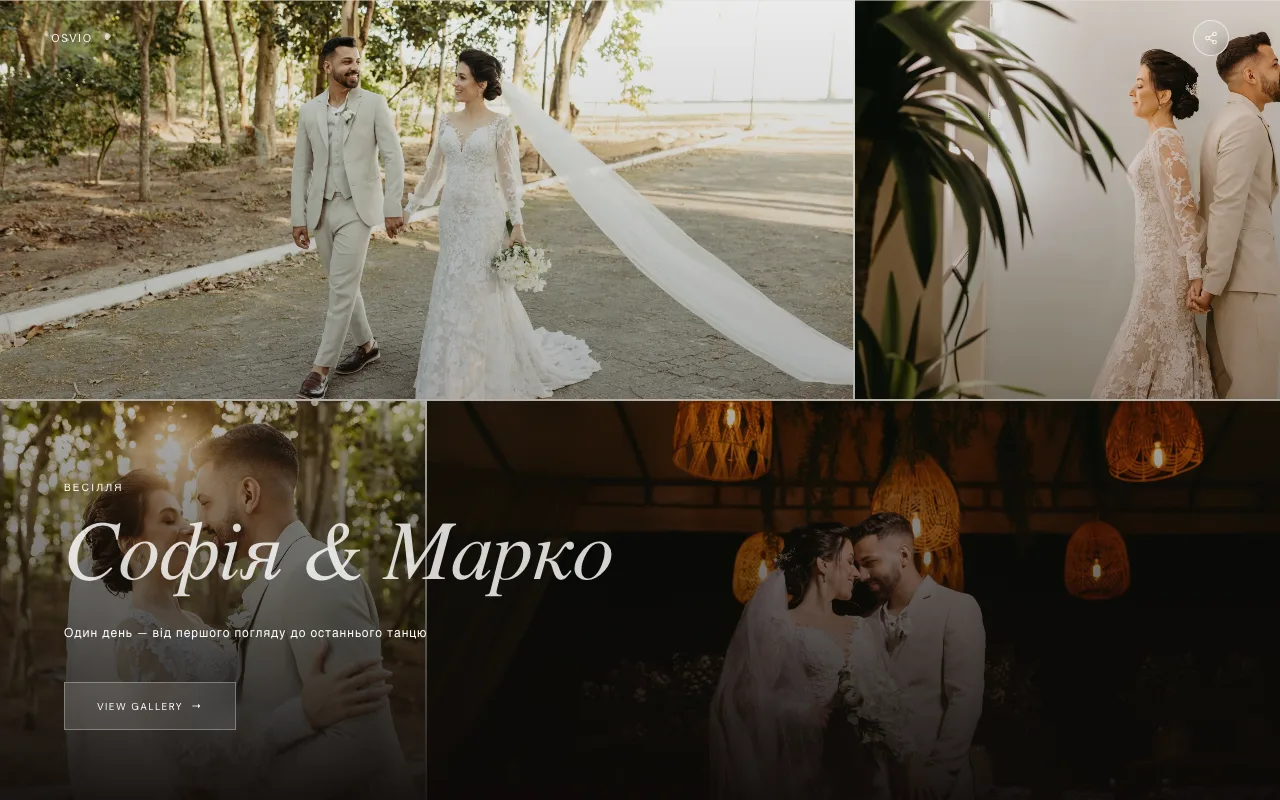
After you enter the password once, your browser remembers it for 30 days, so you won't be asked again on the same device.
Your name and email
Some photographers ask for your name and email when you download photos, send your selection or leave a comment. You'll see a note that your name and email go to your photographer so they can contact you about the gallery. Depending on how your photographer set the gallery up, you may be able to skip it, or it may be required to download.
Language
Galleries open in English or Ukrainian, chosen automatically from your browser and location. Your photographer can also set the language in the link. There is no language switch inside the gallery.
If the gallery doesn't open
| What you see | What it means |
|---|---|
| "This gallery isn't here" | The link may have expired, or your photographer removed the gallery. Check that you copied the whole link, or ask for a fresh one. |
| "This link is closed" | Your photographer restricted access to this page. Older links sometimes stop working, so ask for a current one. |
| "This gallery's viewing window has closed" | The gallery was only available for a set time and that time has passed. You can still keep it forever (see Keep a gallery forever), or contact your photographer. |
| A password screen that says "Incorrect password." | Check the password with your photographer. |
Opening from Instagram, Telegram or another app
If you open the link inside another app, you may see "You're in an in-app browser. Downloads work more reliably in Safari or Chrome." Select Open in Browser to continue in your normal browser.